
Take Control of the Google Sidebar Panel
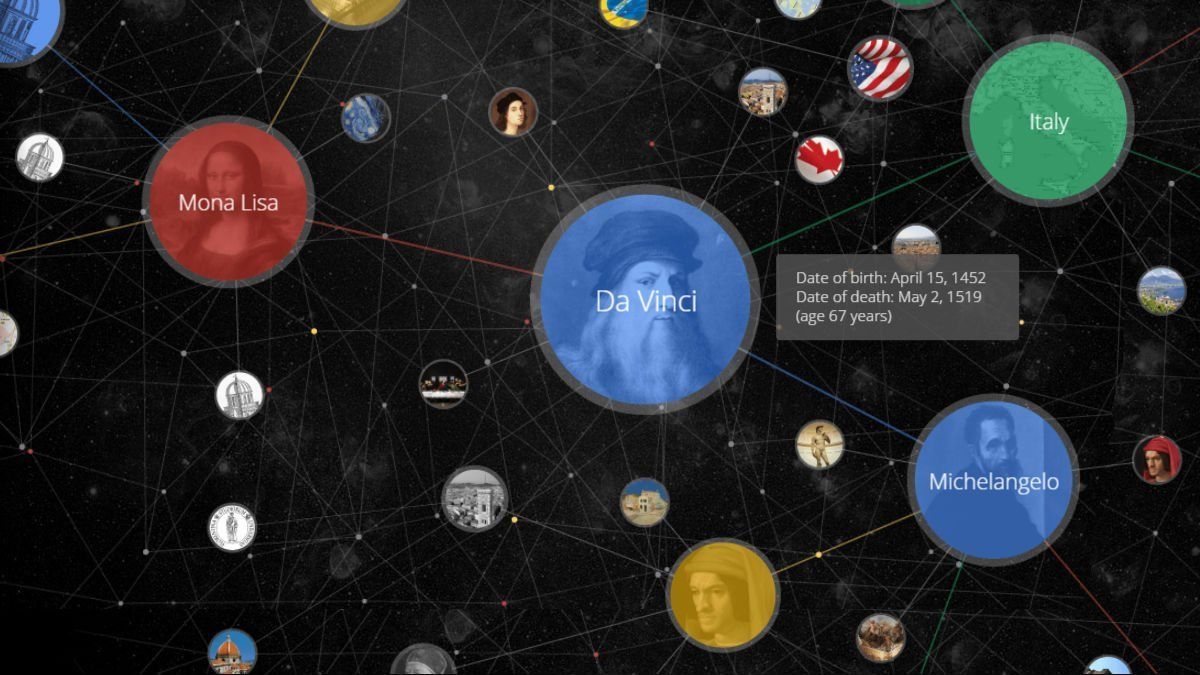
Would you allow someone to redesign your website, online store and unique voice without being involved? If you answered no to this question then read on ... because there's a great opportunity for you to develop the integrity of your brand message prior to Google's Knowledge Graph doing for you.
The Knowledge Graph is Google's big data machine, now matured. It stores more than data points and facts about your company. In fact, the Knowledge Graph is being programmed to recognize relationships between those data points and facts.
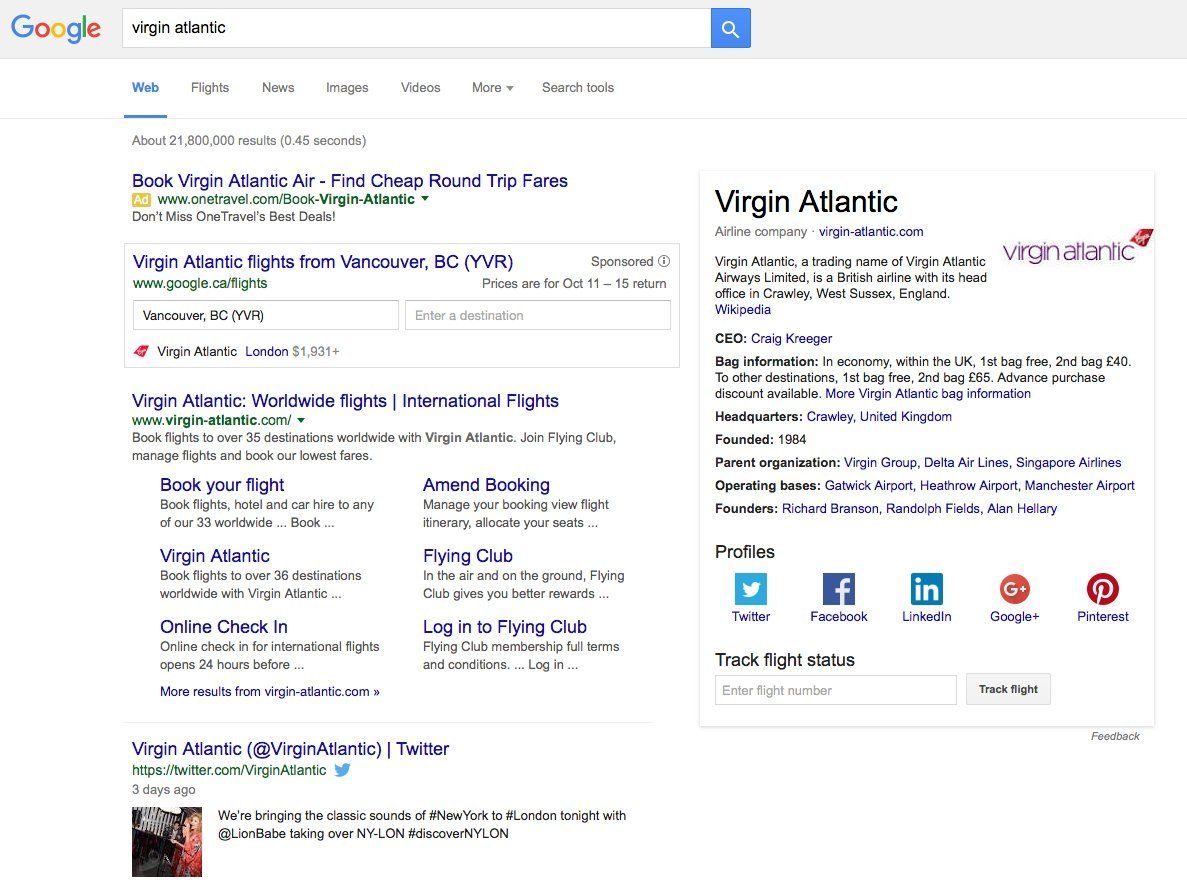
In search returns, information from the Knowledge Graph shows up on search Sidebar Panels (see Virgin Atlantic example) and may have the biggest branding implications ... and opportunities for your company.
Sidebar Panels are training searchers to look to the sidebar for quick answers, and to trust the information they find there. As more brands show up in sidebar panels, searchers are increasingly expecting to see your brand there, and when it does they will trust what they see.
Taking Control of Your Sidebar Panel
There are 3 steps to taking control over what is displayed about your brand in your Sidebar Panel.
Step 1 Wikipediais one of the main sources that feeds the Knowledge Graph. For brands, that means displaying basic info and a synopsis of your business model. If you do not know how to optimize Wiki then review the following resources:
Step 2 Google Plus. A lot of marketers and business owners been disappointed with Google+ as a social tool. Listen to their sage advice, but right now you can't afford to not have it since the Knowledge Graph pulls information from Google+. Ensure the brand page you create is kept up to date so your latest changes are displayed in the Sidebar Panel. Resources for optimizing Google+ include:
Step 3 Schematic Markup. Schema language code tells search engines what the words on your page actually mean. They isolate key pieces of data, so that Google knows which words/phrases are your brand name, business hours, founder's name, address, etc. Google is really clever but it doesn't hurt to help it along — especially if there is a piece of data you really want to see in your panel. Resources for Schema include:
Bottom Line: Your brand's Sidebar Panel is your new digital business card, your brand's first impression, so you need to tell Google what content needs to be there. Use search to find examples of Sidebar Panels you like prior to customizing yours. This will save both time and effort when making any structural changes to Wikipedia, etc.
Alex Wozny, is a digital analyst with amazing research skills. Through Concentric, he helps businesses develop, measure and optimize their digital advertising as well as their marketing initiatives.